Making a Product Tutorial That Helps Customers Finish the Job
A useful product tutorial does more than point at controls. It helps a customer complete one real task, understand what success looks like and recover from an ordinary mistake without sitting through a long sales presentation. Clear planning matters more than expensive equipment because the viewer needs guidance rather than spectacle. Start With the Task […]
A useful product tutorial does more than point at controls. It helps a customer complete one real task, understand what success looks like and recover from an ordinary mistake without sitting through a long sales presentation. Clear planning matters more than expensive equipment because the viewer needs guidance rather than spectacle.
Start With the Task Rather Than the Product
A tutorial becomes easier to follow when its outcome can be described in one sentence. A bakery may need to show how to assemble a cake stand. A software team may need to explain how to export a file. A repair shop may need to demonstrate a safe cleaning step. Each subject can support many videos, but one lesson should solve one problem.
The opening should show the starting position and the finished result before the detailed steps begin. That brief preview gives the viewer a mental map. It also prevents a common frustration in which several minutes pass before the purpose of the video becomes clear. A presenter can then identify the tools, materials and permissions required for the task.
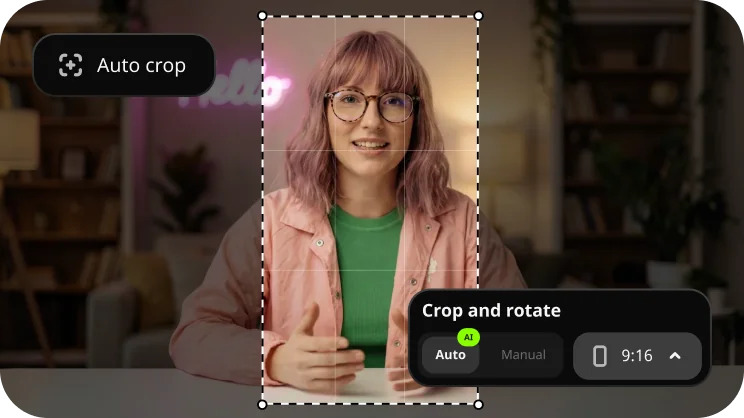
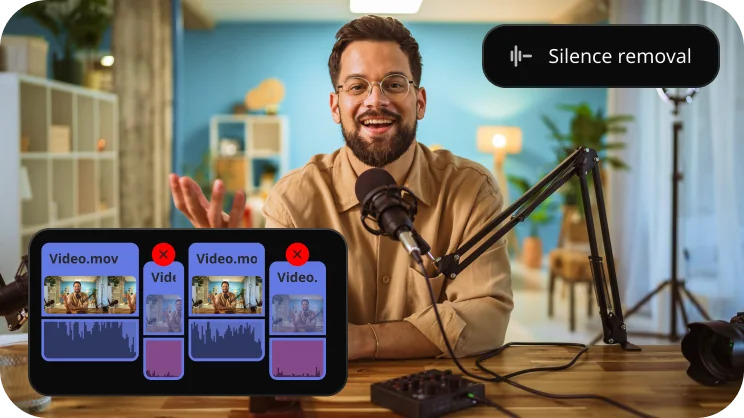
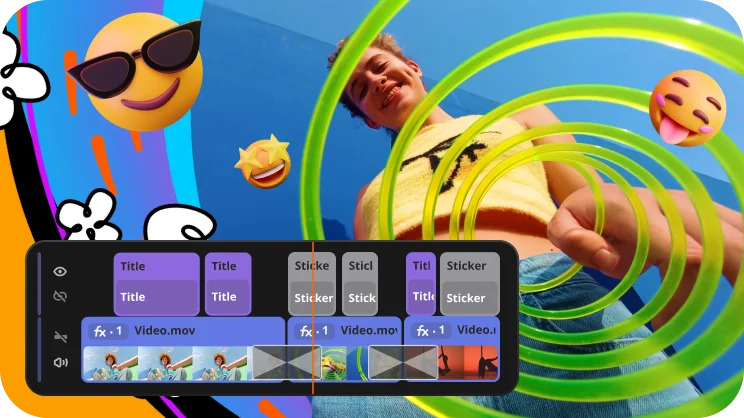
A small team using Movavi can arrange the demonstration on a timeline, remove dead space and add simple labels where a viewer may need extra orientation. The software should support the explanation rather than become the explanation. Clean cuts and readable text usually help more than decorative effects that compete with the task.
Planning also reduces unnecessary filming. A short shot list can identify the opening view, the important close-ups and the proof that the task worked. The team then knows which angles are essential and which shots would only repeat information. That discipline saves editing time while keeping the final tutorial focused.
Record the Awkward Parts as Well as the Easy Ones
Most viewers do not need a flawless performance. They need to see the points where a normal person might hesitate. A connector may need to face a particular direction. A menu may be hidden behind an icon. A lid may resist the first attempt. Showing those moments can prevent damage, confusion and support requests.
The camera angle should reveal the action without blocking it. Hands often cover the exact detail that matters, so a second close view may be worth recording. For a screen-based task, the pointer should move deliberately and the interface should remain large enough to read. Movavi can be used to combine screen recordings, close views and spoken guidance into one sequence.
Audio deserves equal care. The presenter should speak near the microphone, pause between steps and avoid talking over loud tools. A quiet room and a short test recording can solve more problems than a complicated cleanup process. When narration is recorded later, the editor should leave enough visual time for each instruction to be understood.
Mistakes should be included only when they teach something. A dropped screw may show why a tray is useful. A wrong menu choice may show how to return to the correct screen. Repeated stumbles that add no lesson should be removed. The goal is honest guidance, not an unfiltered record of the filming session.
A Production Check That Catches Expensive Mistakes
Before the full recording begins, the team can build a short test project in Movavi and review it on the kind of device customers are likely to use. A one-minute trial often exposes tiny text, weak sound or an angle that hides the important action.
- The first frame should identify the task without delaying the demonstration.
- Every tool and material should appear before it becomes necessary.
- Text should remain readable on a small screen.
- The presenter should explain one action before moving to the next.
- The final shot should prove that the task has been completed correctly.
This check also protects consistency across a series. Once the team agrees on title placement, pacing and sound level, later tutorials become easier to produce. A familiar format helps returning viewers concentrate on the new task rather than learn a new presentation style every time.
The Final Test Happens Without the Presenter in the Room
A tutorial should be tested by someone who did not help create it. That person should attempt the task using only the video and the same materials available to a customer. Every pause, rewind and wrong turn reveals a place where the explanation may need another view or a clearer sentence.
The editor can then return to Movavi to tighten slow sections, extend a crucial close-up or add a brief label. The revision should answer observed confusion rather than add general information. A two-second clarification at the right moment can be more useful than another minute of background.
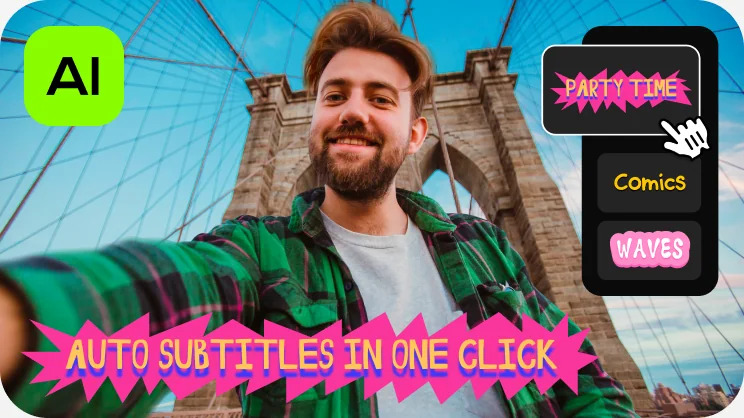
Accessibility also improves practical value. Spoken instructions should match the visible action. Captions should be checked for names, measurements and technical terms. Strong contrast helps text remain readable. These choices support viewers in noisy rooms, shared workplaces and situations where sound cannot be used.
The finished tutorial should end as soon as the customer can continue independently. A restrained closing line may direct the viewer to the next relevant task, but it should not bury the result beneath a sales pitch. When the video respects the viewer’s time, the product earns trust through useful support rather than repeated promotion.