Flower Architect Review: A Virtual Flower Arranging App
Flower Architect lets brides, florists and hobbyists design virtual flower arrangements in 3D. We explain the plans, tokens and limits before you subscribe.
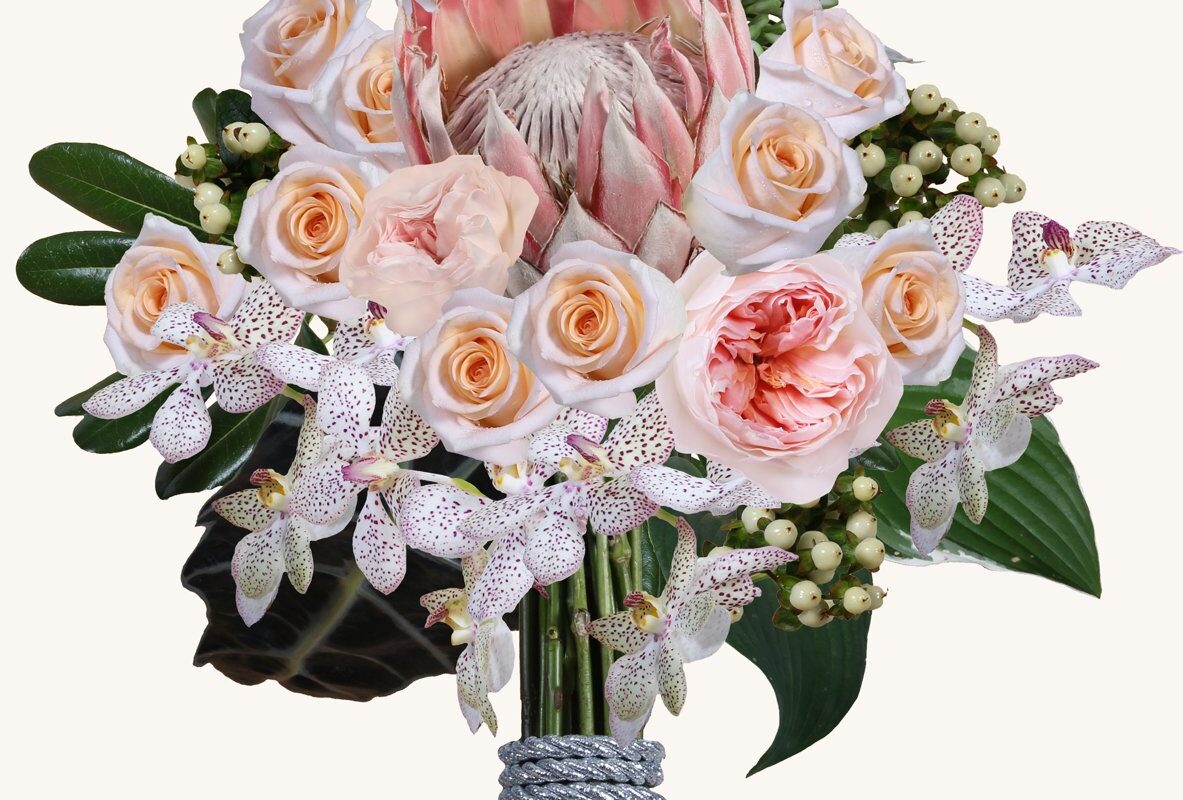
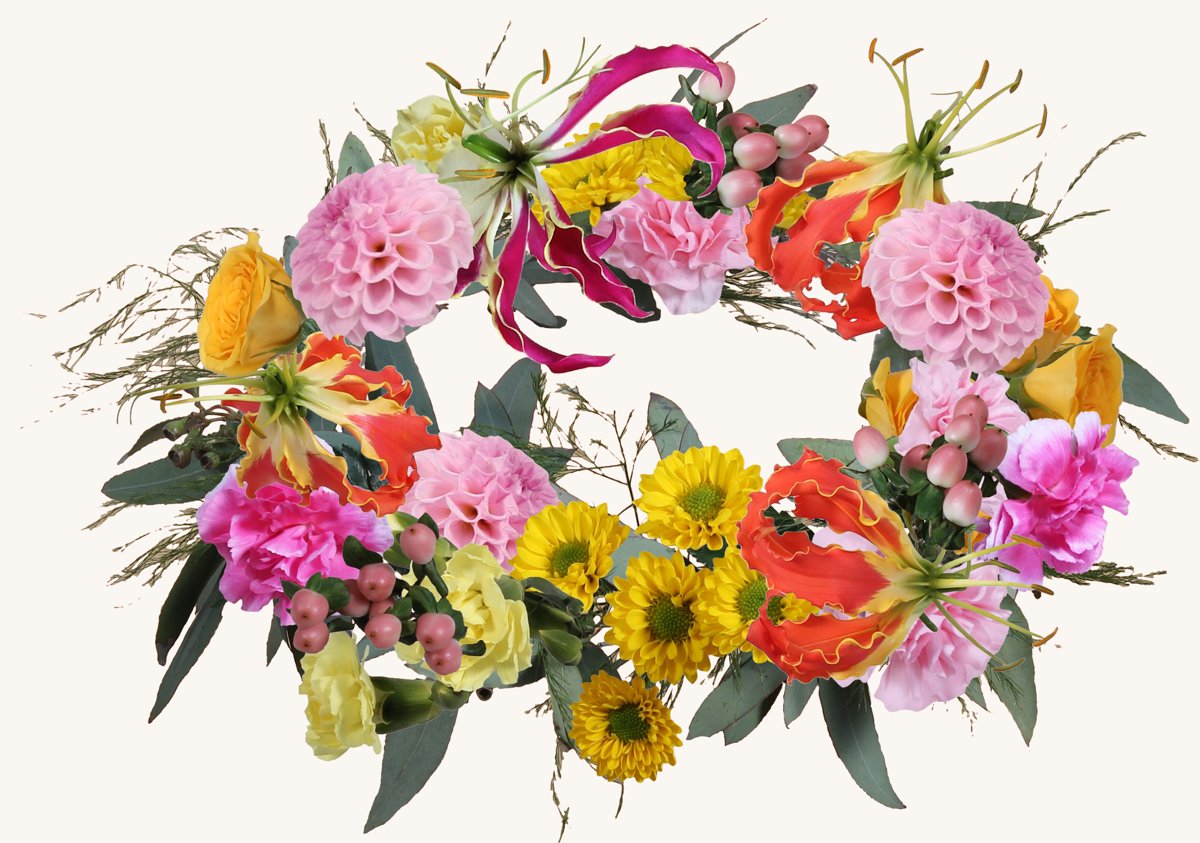
Explaining a bouquet in words rarely works. “Soft peach, a bit wild, nothing too stiff” can mean a dozen different things to a florist. Flower Architect, made by the Michigan software firm Sealogix Corp., tries to close that gap with a virtual flower arrangement app. You build the arrangement yourself from a library of more than 1,700 3D flowers across 190 categories, then save it, share it or send it to florists. It is a clever idea with some rough edges.
What does Flower Architect actually do?
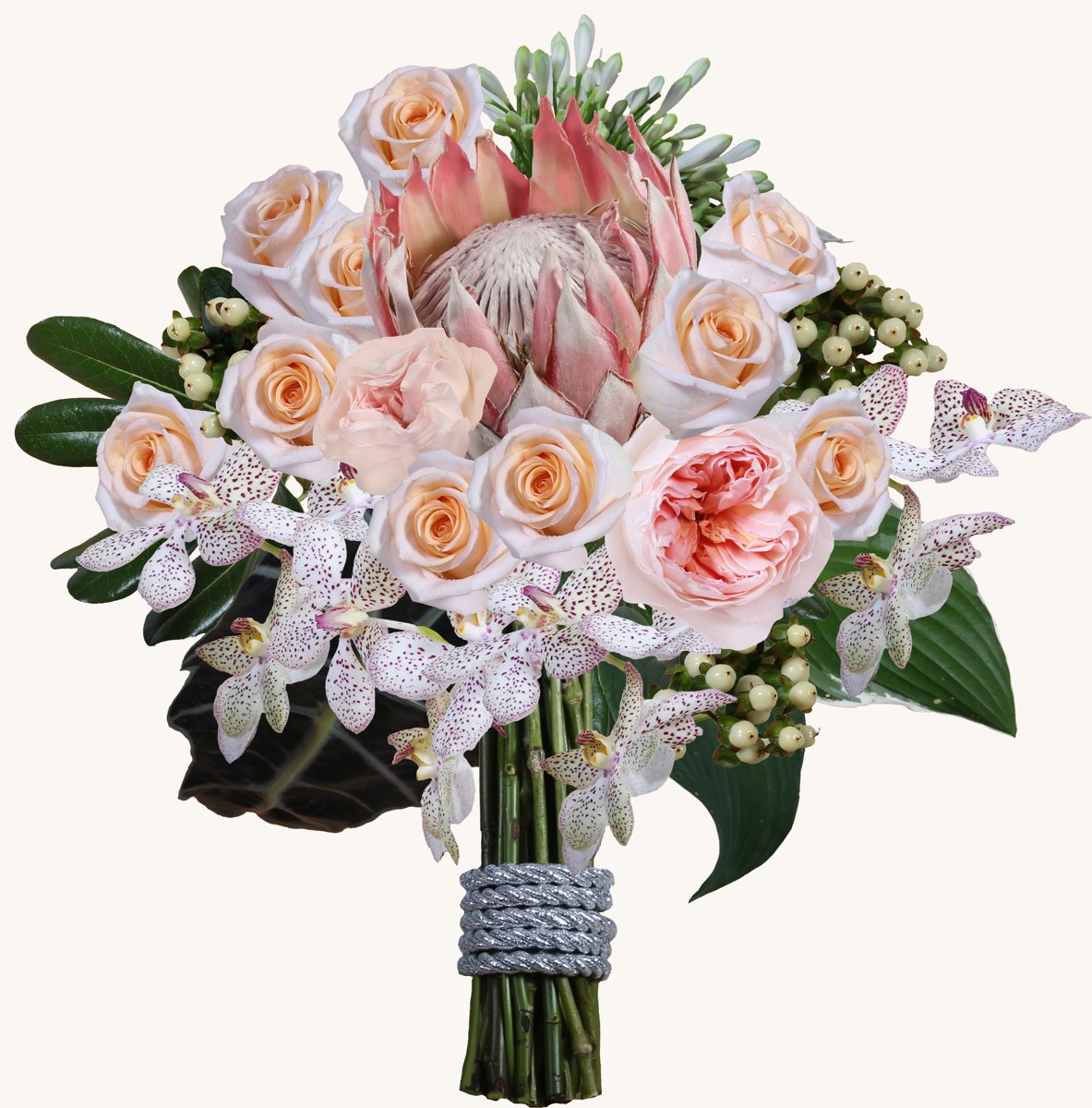
It works in two stages. First you pick flowers into a “basket”, either from scratch or from more than 150 ready-made collage baskets grouped by colour and theme. Then you move to a design canvas where layout guides and shape templates help you build anything from a buttonhole to a full event display. Each stem can be rotated, layered and pushed back for depth, with foliage, vases and ribbons to finish. A colour wheel helps you find matching blooms. Higher tiers let you upload a photo of your venue and drop arrangements into it.
It runs as a web app in any browser, with native apps for iPhone, iPad, Android, Mac and Windows, and your designs sync across devices. There is also a Canva app for placing your arrangements in invitations and other designs.
How much does Flower Architect cost?
There are three paid memberships, priced in US dollars. Starter costs $9.99 a month or $109.99 a year and includes the full flower library, 10 storage tokens and 5 monthly action tokens. Creator costs $14.99 a month or $164.99 a year, raising those to 50 storage and 15 action tokens and adding scenes, garlands and the full sample library. Designer Pro, which the brand recommends for brides, costs $19.99 a month or $199.99 a year. It adds 200 storage tokens, 25 action tokens, group design with friends, the monthly contest and florist quote requests.
The tokens matter as much as the price. Storage tokens are effectively save slots for arrangements, baskets and scenes, so Starter’s ten will fill quickly if you are trying out variations. Action tokens cover high-resolution enlargements (about 300 DPI, enough for prints) and questions to the built-in AI assistant, which suggests wedding themes and generates sets of four images. The yearly plans save between roughly $10 and $40 over paying monthly. The apps are free to download and the site invites you to “Start Free”, but the pricing page lists only paid tiers, so check what a free account includes before planning a project around it.
Is it useful for brides and florists?
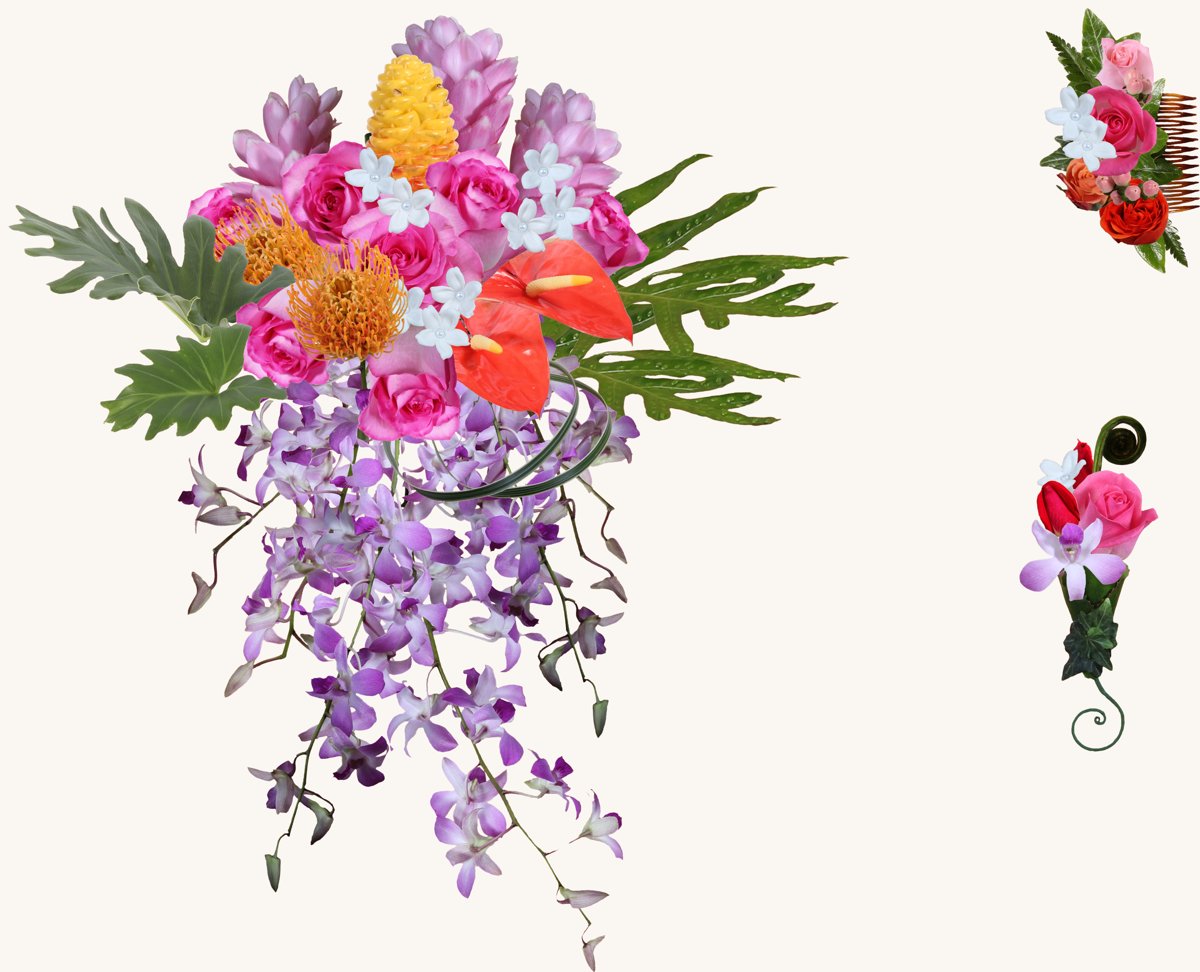
For couples, the strongest feature is the quote request on Designer Pro. You save an arrangement and send a PDF with an image, a list of flower types and delivery notes to florists. The app’s newest update adds “Quick Design” sets, a pre-designed bride’s bouquet, bridesmaids’ posies, buttonholes and centrepieces you can adapt and send to several florists at once. It is a genuinely useful way to arrive at a consultation with something concrete. The brand does not say how many florists take part in each area, so take the PDF to a florist you have chosen yourself too.
For florists, it is a quick visualisation tool for clients who struggle to picture a design. It is not a costing or ordering system, and a virtual stem placed in 32 possible positions is not the same as one wired into foam. Hobbyists may get the most pure enjoyment from it, with tutorials, beginner projects and a monthly contest.
What are the drawbacks?
It is still a young, small app. Google Play shows more than 1,000 downloads, and the US App Store listing had a single rating, three stars, when we checked. That reviewer praised the flower selection but reported frequent crashes and lost work, even on a paid plan. Recent updates fixed some saving bugs, but test the web version before paying for a year. The product information is also inconsistent: the Google Play listing says every subscription includes 200 storage tokens, while the pricing page gives 10 and 50 for the two lower tiers. Finally, the Play listing says saved designs remain accessible while your membership is active, so if you cancel after the wedding, export the images you want to keep first.
Who should subscribe?
Flower Architect makes most sense for a couple planning wedding flowers over a few months, a florist who wants something visual to show clients, or a hobbyist who enjoys designing for its own sake. Start monthly on the tier that matches how many designs you need to save, and upgrade only if you run out of tokens. Treat it as a planning tool rather than a promise of what arrives on the day, and Flower Architect can save a great deal of back-and-forth.
This article contains affiliate links; we may earn a commission if you subscribe through them. Prices are as listed on flowerarchitect.com in October 2026, in US dollars, and may change. App ratings and download figures were checked on 29 October 2026.