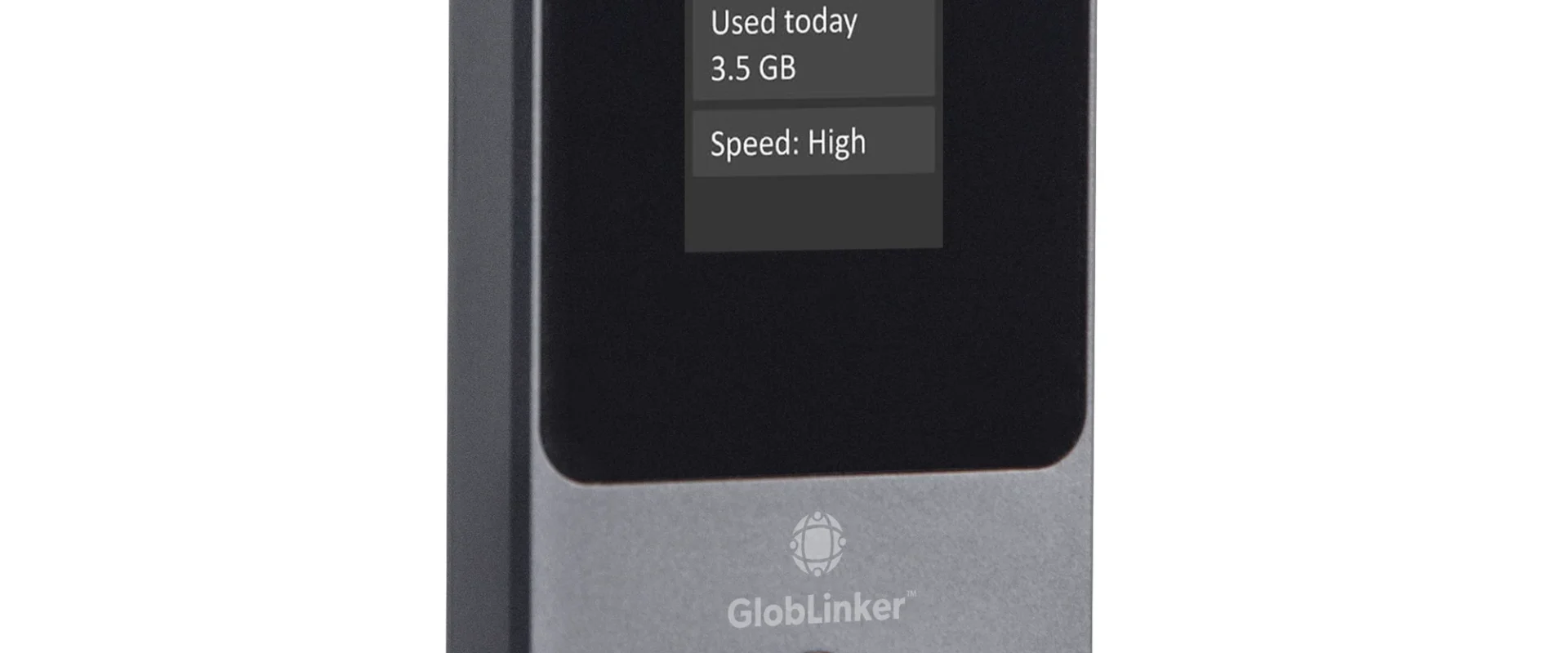
Why GlobLinker Makes More Sense When Your Work Travels With You
Working remotely sounds wonderfully simple until you actually try doing it somewhere unfamiliar. At home, you barely think about the internet. Your laptop opens, the connection is there, and work begins. Take that same laptop to another country and suddenly internet access becomes something you have to plan. The hotel connection might be fine for […]
Working remotely sounds wonderfully simple until you actually try doing it somewhere unfamiliar. At home, you barely think about the internet. Your laptop opens, the connection is there, and work begins. Take that same laptop to another country and suddenly internet access becomes something you have to plan.
The hotel connection might be fine for emails but struggle during a video call. A café might have fast WiFi but be far too noisy to work comfortably. Your phone can become a hotspot, but spending hours tethering a laptop is hardly ideal when you still need that phone for the rest of your day.
This is the kind of situation GlobLinker is designed for. Instead of making remote workers find an internet connection everywhere they go, it lets them carry one with them.
Remote Work Changes When You Leave Home
There is a big difference between working from home and working from anywhere.
At home, your environment is predictable. Traveling introduces hotels, airports, trains, rented apartments, coworking spaces, and occasionally a quiet table somewhere with a great view but absolutely no useful WiFi.
For digital nomads, freelancers, and people who regularly travel for business, reliable travel internet is less of a convenience and more of a working requirement.
A portable WiFi hotspot gives you more control over where you open your laptop. GlobLinker uses CloudSIM technology to connect to available mobile networks without requiring you to insert a physical SIM card.
That means arriving somewhere new does not automatically have to involve finding a SIM provider before you can properly get online.

The Phone Hotspot Problem
Using your smartphone as a mobile hotspot is probably the easiest solution for occasional remote work. For an hour at the airport, it can be perfectly adequate.
Using it as your primary connection throughout a working day is different.
Tethering can consume battery quickly, especially when several devices are involved. Meanwhile, your phone is probably handling navigation, messages, calls, tickets, payments, photographs, and everything else that has somehow become dependent on one small device.
A dedicated hotspot separates those jobs.
GlobLinker offers around 15 hours of battery life and allows up to eight devices to connect. Someone traveling with a laptop, tablet, and phone can keep everything online without making their smartphone responsible for the entire setup.
It also makes sense when colleagues or family members are traveling together and need to share a connection.
Crossing Borders Without Rebuilding Your Setup
One of the more annoying parts of working internationally is that your connectivity solution may change every time you cross a border.
You can use international roaming, purchase local SIM cards, arrange an eSIM before each trip, or depend on whatever public WiFi happens to be available. All of these can work, but frequent travelers eventually start noticing how much time goes into repeatedly sorting out the same problem.
This is where GlobLinker becomes particularly useful.
Its CloudSIM service works across more than 130 countries. Rather than physically changing SIM cards between destinations, the device searches for a suitable local mobile network.
If your work involves a trip through several countries, having one international WiFi device in your bag is considerably easier than creating a new connectivity plan at every stop.
A Good Connection Also Gives You More Choice
There is another benefit that is easy to overlook.
When you depend entirely on free WiFi, the internet starts deciding where you work.
You might stay in a mediocre hotel lobby because the connection upstairs is poor. You may spend an afternoon in a crowded café simply because its WiFi is reliable. You might even avoid working somewhere peaceful because there is no public network nearby.
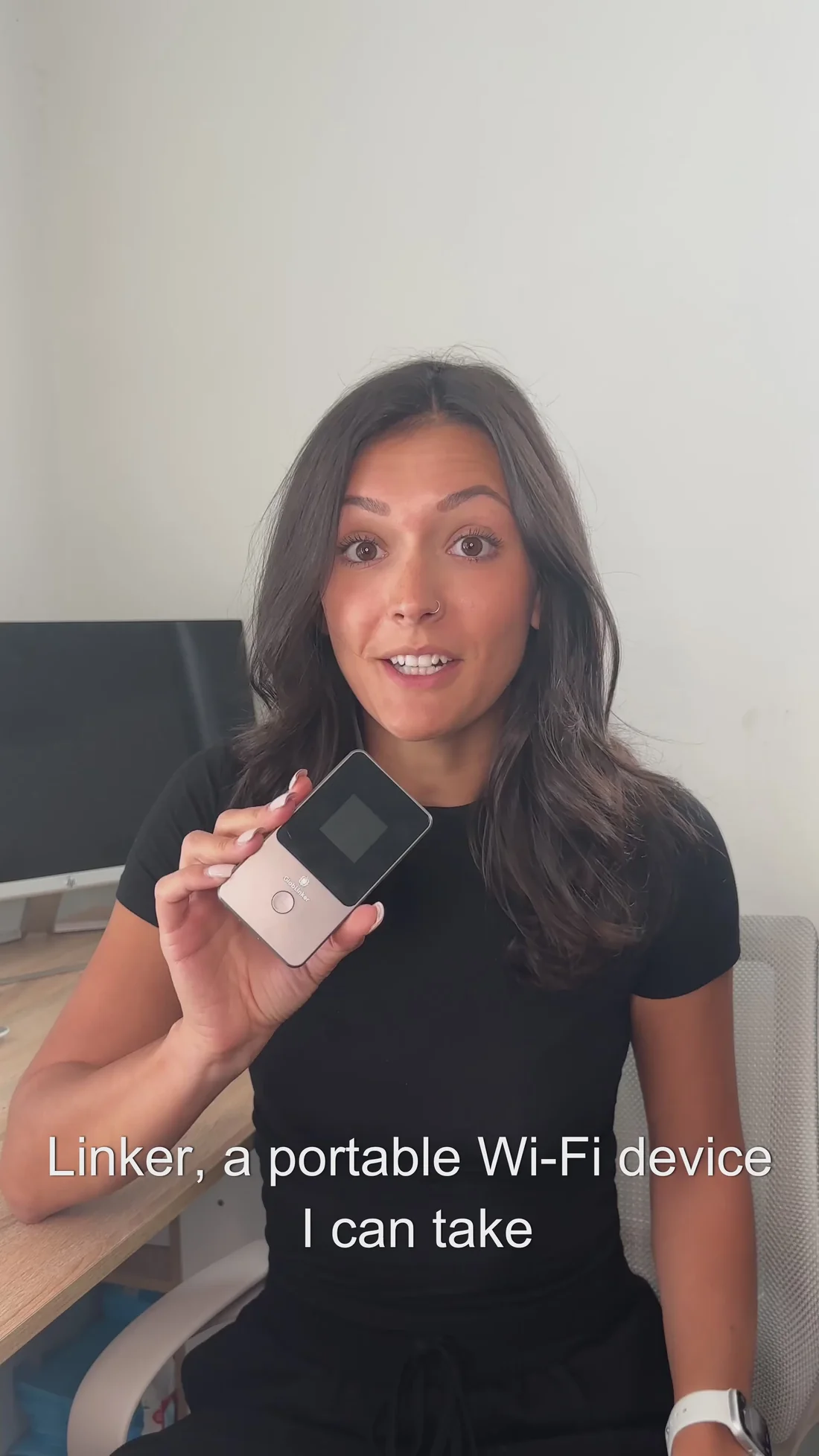
Carrying your own connection changes that relationship.
A portable hotspot cannot guarantee perfect coverage everywhere, since mobile network availability still matters. What it can do is give you an independent option instead of automatically depending on someone else’s router.
For remote work, that freedom can be surprisingly valuable.
Work From Anywhere Should Actually Mean Anywhere
The appeal of location-independent work was never supposed to be spending twenty minutes asking a hotel receptionist for another WiFi password.
It is supposed to mean being able to move without rebuilding your working environment every time you arrive somewhere new.
GlobLinker fits neatly into that idea. With CloudSIM connectivity, support for multiple devices, broad international coverage, and enough battery life for a long working day, it removes one recurring piece of travel admin.
You still have to decide where to work. You still have meetings to attend and deadlines to meet. But at least finding WiFi does not have to become another item on the day’s task list.